
WebP vs PNG: Speeding Up Website Core Web Vitals with Compressed Transparency
 By Pics PNG
•
Jun 13, 2026
By Pics PNG
•
Jun 13, 2026
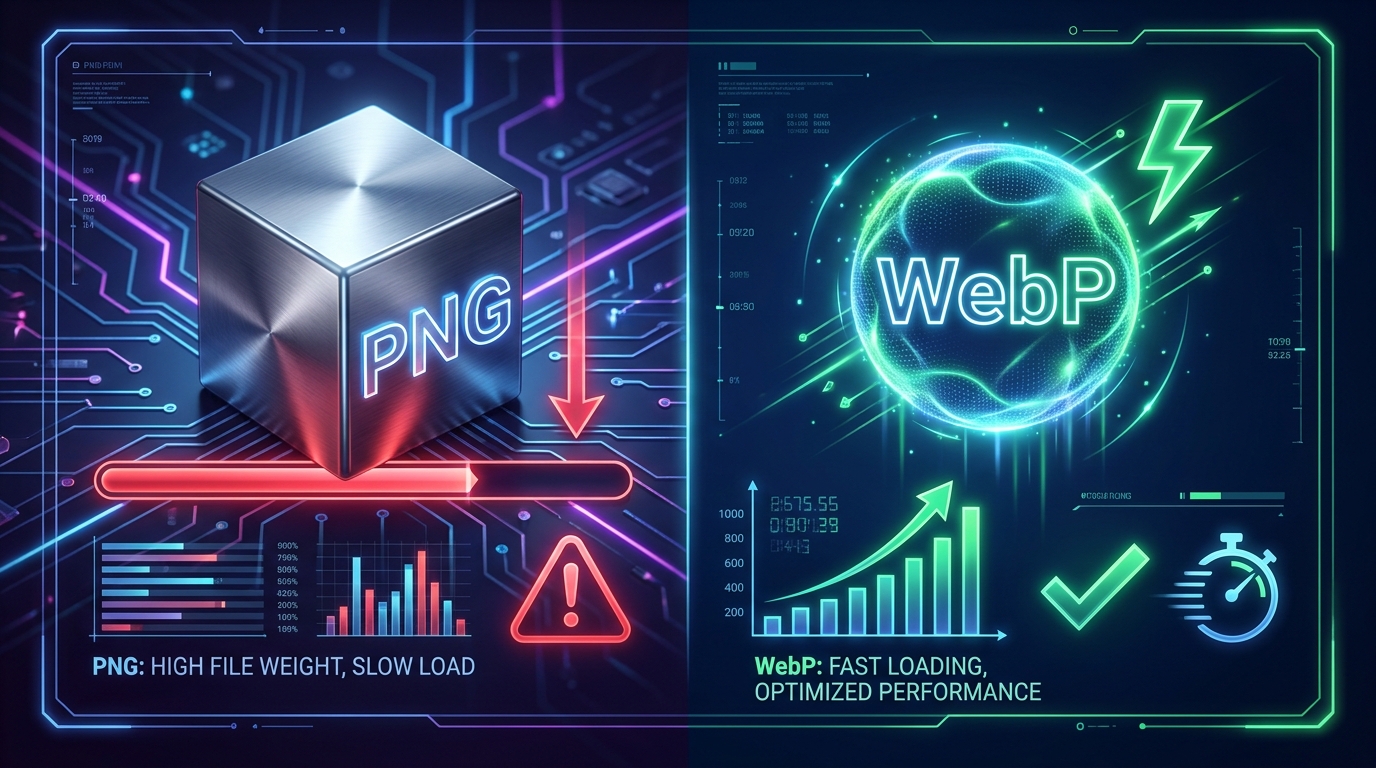
The Loading Speed Trap: Why Transparent PNGs Kill Core Web Vitals
In modern web development, Core Web Vitals are direct Google ranking factors. Specifically, Largest Contentful Paint (LCP) measures when the main content of a page has likely loaded. If your site features beautiful transparent product mockups, hero graphics, or category banners, they are likely the largest visual elements on the page—making them your LCP elements.
Historically, web developers had to use PNG format to preserve transparent backgrounds. But standard PNG files are uncompressed and heavy. A single high-definition PNG hero cutout can easily be 1.5MB to 3MB. When a mobile visitor hits your site, downloading a multi-megabyte image delays the LCP event, leading to poor PageSpeed scores, search ranking penalties, and high user bounce rates. For a real-world case study of how this affects designer tools, read our guide on fixing Canva canvas lag with WebP assets.
WebP vs PNG: The Visual and Data Breakdown
WebP was introduced specifically to solve this tradeoff. By utilizing predictive coding, WebP compresses pixels more efficiently than the older DEFLATE algorithm used by PNGs. Here is a direct comparison of what WebP offers web developers:
- File Size Reduction: Transparent WebP images are typically 30% smaller than comparable transparent PNGs. An image that takes up 1.2MB in PNG format will often compile to under 400KB in WebP.
- Alpha Channel Support: WebP supports 8-bit alpha channels at a lossy compression rate, meaning you get clean, transparent backgrounds with anti-aliasing edges without bloating the file size. Detailed developer information can be found in the Google Developers WebP documentation.
- PageSpeed Improvements: By swapping PNG LCP elements to WebP, developers frequently reduce LCP load delays by 1.5 seconds or more, shifting their Core Web Vitals status from "Need Improvement" to "Good" (green). See Google's web.dev Largest Contentful Paint guide for scoring thresholds.
Using this structure, the browser will request and render the lightweight WebP file if supported, falling back to the heavier PNG file only on outdated platforms.
The Impact on Search Engine Indexability
Google’s crawling spiders have limited crawl budgets for each website. When your graphics are lightweight, Googlebot can index more pages in a single crawl pass. Swapping to transparent WebP speeds up indexation depth, preserves mobile layout stability, and helps your stock assets rank higher in Google Image Search results.
Suggested Articles
Boost your design skills with our related guides and resources.
Learn why large uncompressed PNG files slow down your Canva canvas and how to import modern transparent WebPs to speed up your digital layouts.
Ditch the green screens. Learn how to import lossless transparent WebP/PNG design overlays directly into CapCut and Premiere Pro timelines with clean anti-aliasing edges.
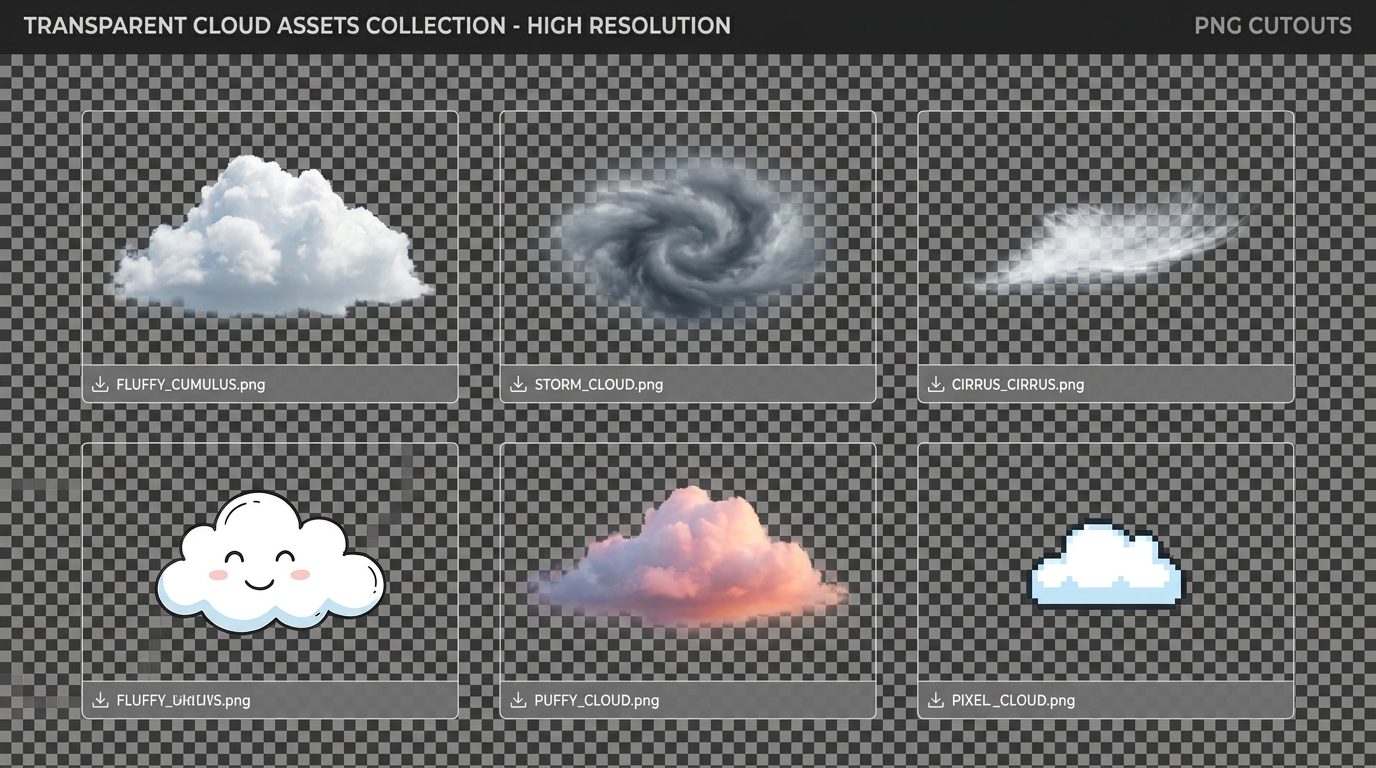
Discover how to use transparent cloud PNG overlays to replace skies, build digital art composites, and design creative graphic layouts.
Comments (0)
You must be logged in to leave a comment.
Sign In